Brilliant Orange GO Keyboard by Atisu
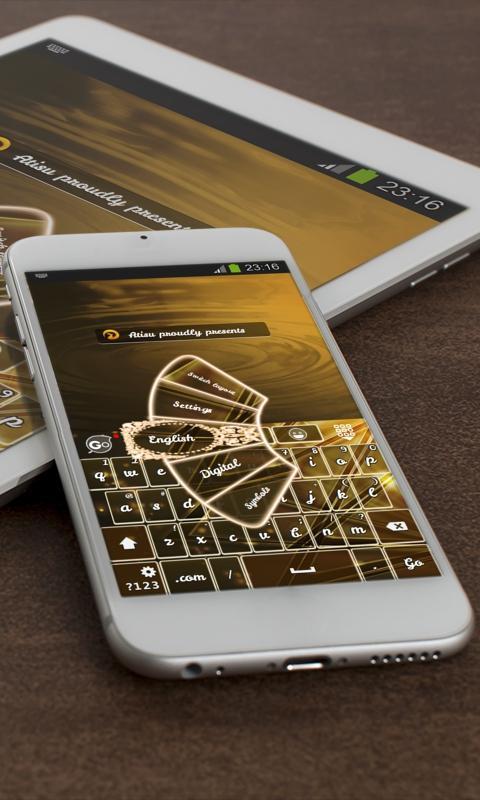
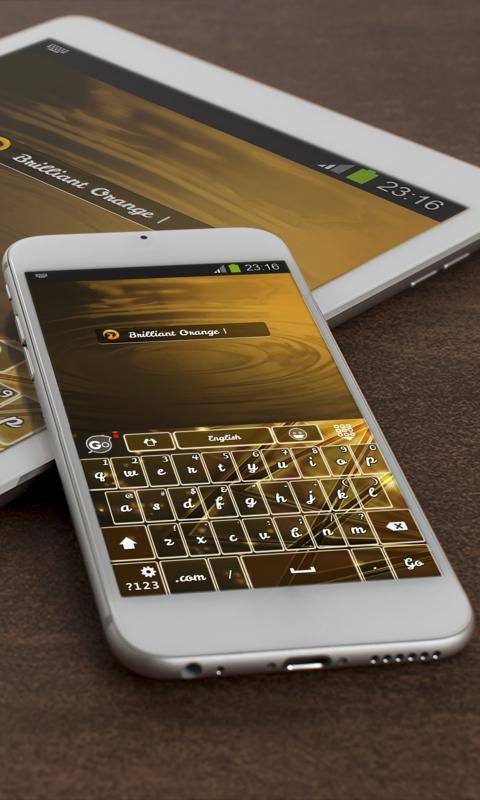
The "Brilliant Orange" theme for GO Keyboard was specially crafted for you by Atisu.
Brilliant Orange.
This GO Keyboard with mocha shades is inspired by the jewel, treasure, ruby and light, which gave it a note of uniqueness.
I keep my friends as misers do their treasure, because, of all the things granted us by wisdom, none is greater or better than friendship.
Because its base color is brown, this GO Keyboard theme can recall sentiments of virtue while looking totally cool!
Have a piece of heaven with this almost black keyboard named "Brilliant Orange", which has features that speak for themselves when it comes to awesomeness. Download it straightaway!
*** How to use the theme ***
1. First, open the Brilliant Orange theme after installation
2. Then click on the "Apply" button
Notice that this is a GO Keyboard theme, so you must have that app installed first before applying this.
If you don't have GO Keyboard on your device, we will guide you step by step.
Your comments and rating are encouraged. They help us create better themes for your device.
We included the free font Leckerli One Regular by Gesine Todt, http://www.gesine-todt.de.