Ethiopia Keyboard

Ethiopia Keyboard

Practical Tools 3.0
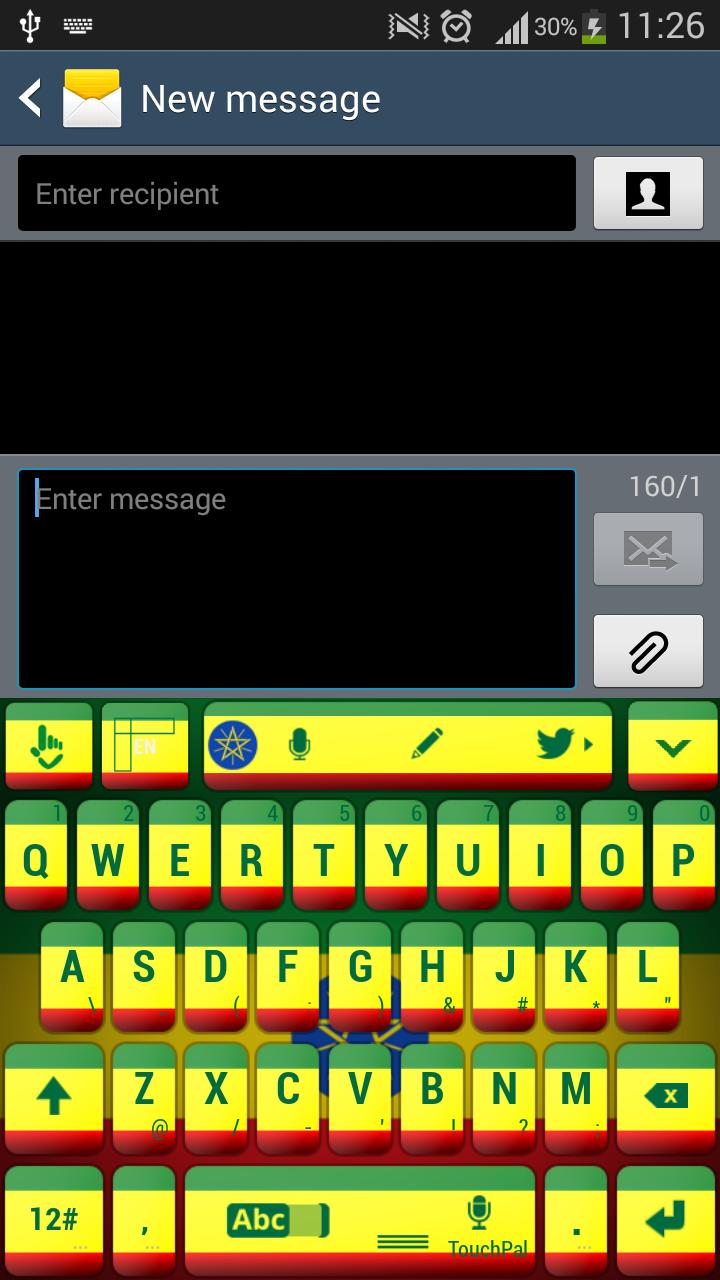
Try out our new Ethiopia Keyboard theme!How do I apply? 1. Download Ethiopia Keyboard2. Open3. Click Apply theme4. Select Ethiopia Keyboard by cli
3.0

Screenshots

Description

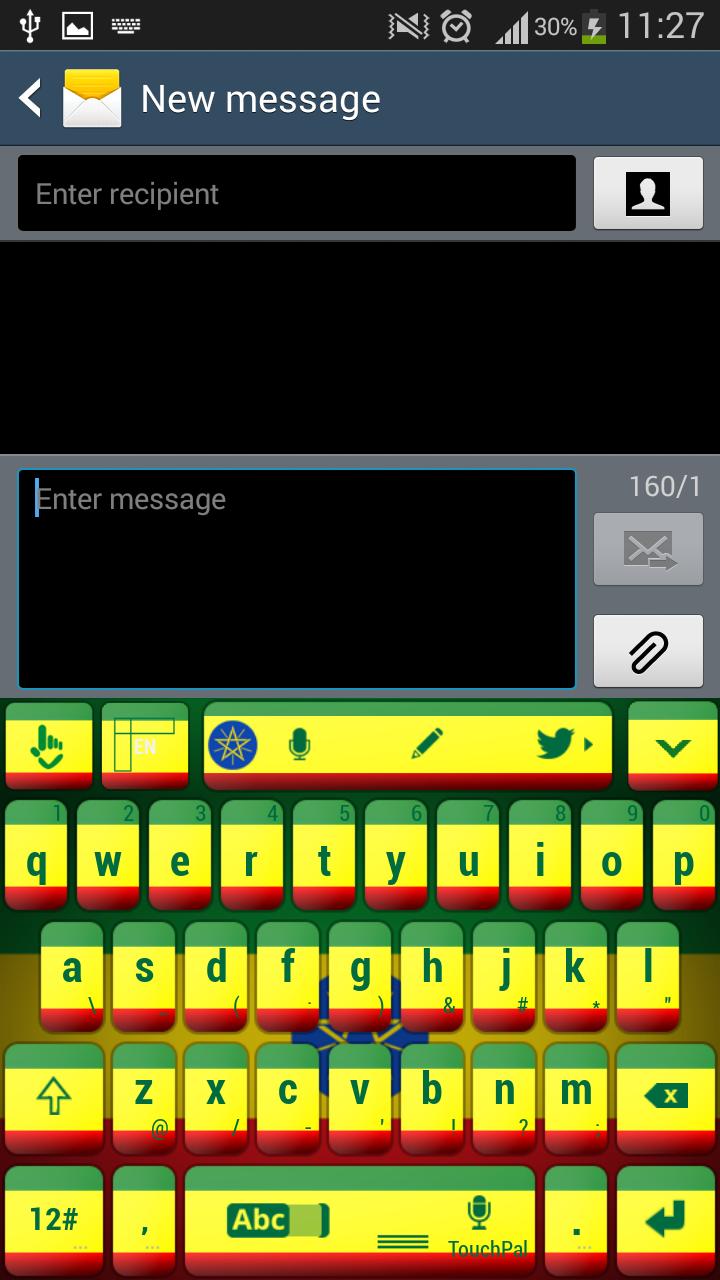
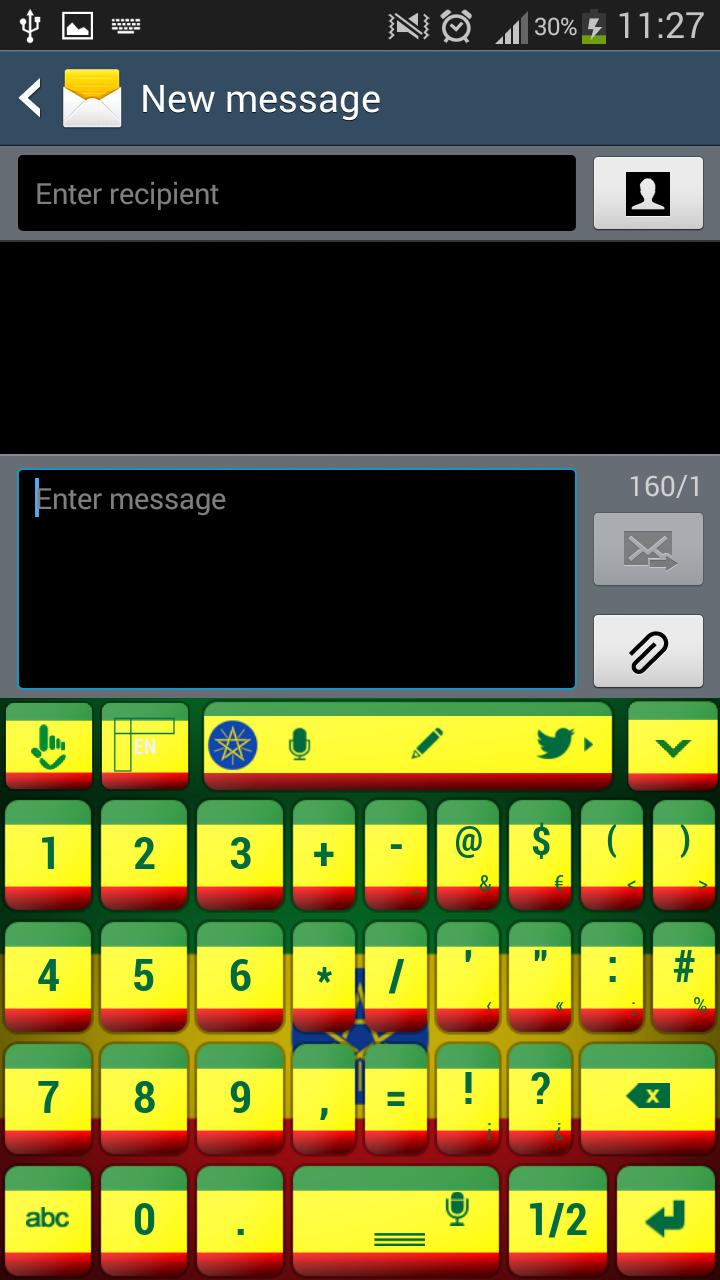
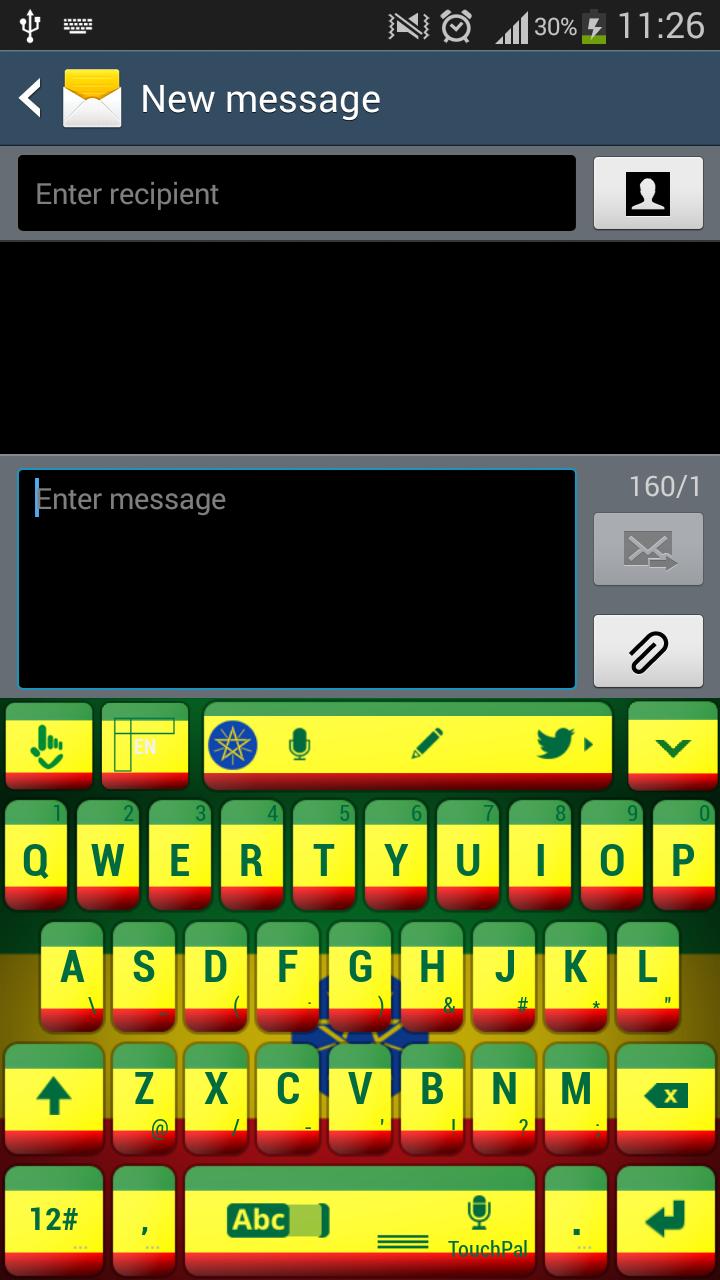
Try out our new Ethiopia Keyboard theme!

How do I apply?

1. Download Ethiopia Keyboard

2. Open

3. Click Apply theme

4. Select Ethiopia Keyboard by clicking Enable

5. Enjoy!

Celebrate the beautiful land of Ethiopia and customize your gadgets with the new Ethiopia Keyboard theme. Be proud of your country and wear with pride the national colors of Ethiopia. You will always be reminded about all the things you care about like friends, family and places that you love. Share this awesome theme with everyone and be a true supporter of your country. Get right now the Ethiopia Keyboard theme and show your country some love.

What's New in the Latest Version 3.0

Last updated on Feb 6, 2017 Fixed apply button

Expand

Other Information

  • Release Time

    2026/07/26

  • Size

    7.35MB

  • Category

    Practical Tools
  • Package Name

    com.tpt.smartinputv5.skin.ethiopiatouchpal