Go Locker Black Kitty

Go Locker Black Kitty

Practical Tools 1
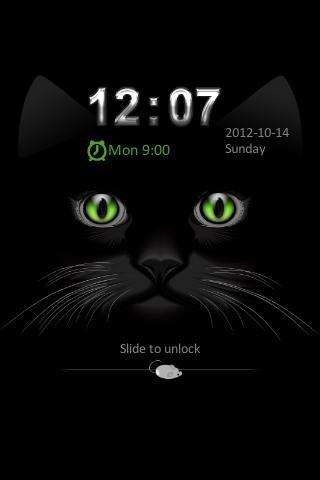
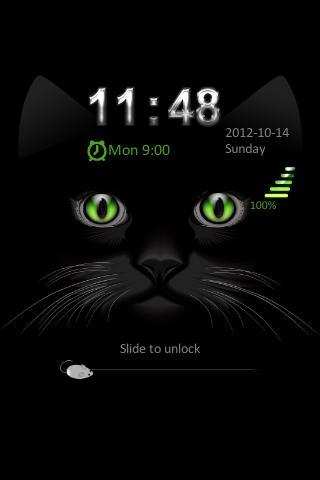
Black Kitty with bright green eyes lockscreen, purrfect for halloween!Go Locker Black Kitty ThemeDesigned specifically for Go Launcher EXBla
1

Screenshots

Description

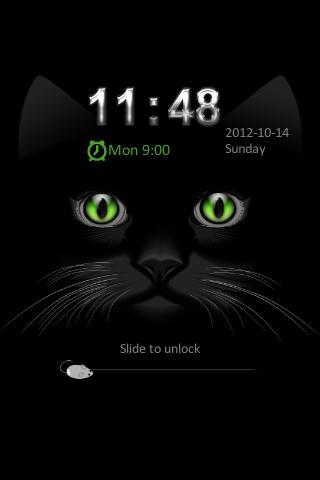
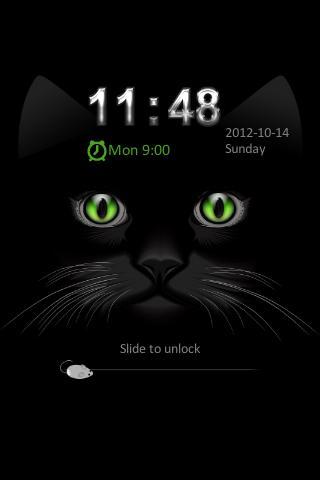
Black Kitty with bright green eyes lockscreen, purrfect for halloween!

Go Locker Black Kitty Theme

Designed specifically for Go Launcher EX

Black Kitty Lockscreen for your smartphone! This Black Kitty with bright green eyes lockscreen — great for halloween or for just those kitty lovers. Slide the mouse across the screen to unlock.

App Care:

1. Install Go Launcher EX v2.58 or above and Go Locker v1.0

2. To select Black Kitty — Click on “Menu ~~~> Theme Settings

3. Select "Locker" at the top

4. Click on "Installed" and click on "Black Kitty"

5. Click on "Apply"

Feedback: [email protected]

Expand

Other Information

  • Release Time

    2025/04/29

  • Size

    484.96KB

  • Category

    Practical Tools
  • Package Name

    com.jiubang.goscreenlock.theme.BlackKitty