Enjoy millions of the latest Android apps, games, music, movies, TV, books, magazines & more. Anytime, anywhere, across your devices.
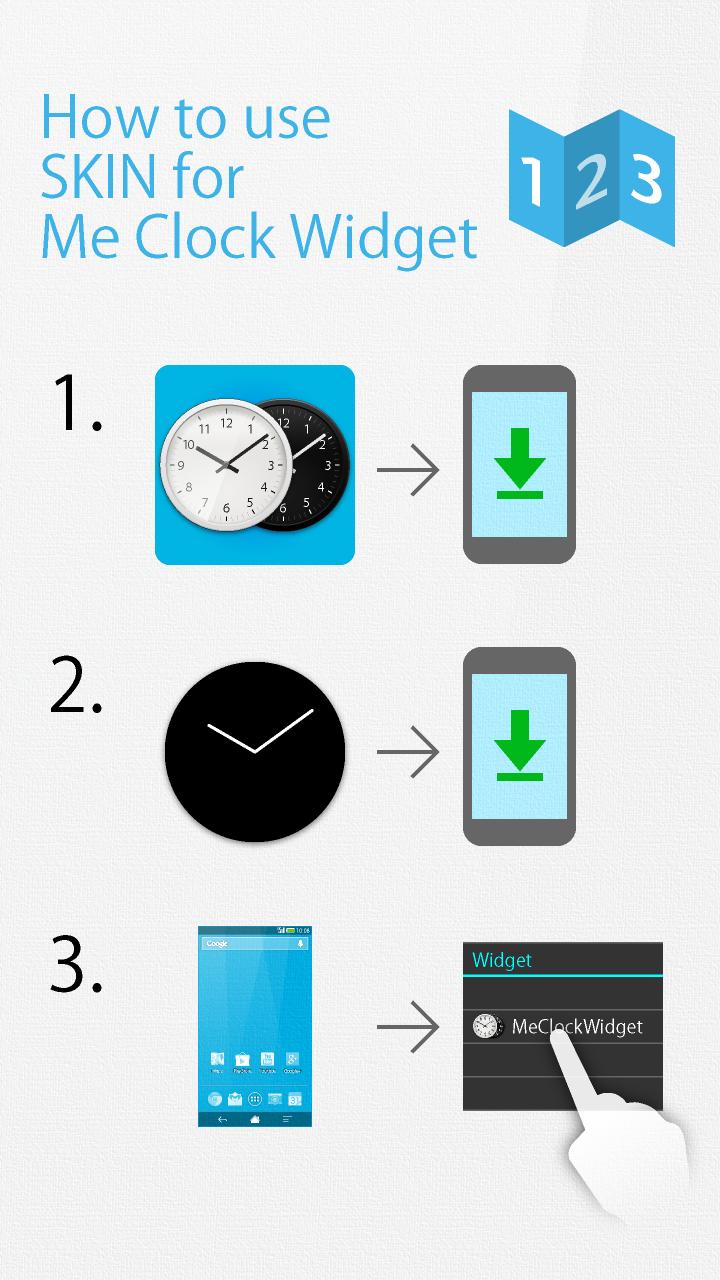
To use this skin, you must installed "Me Clock Widget".
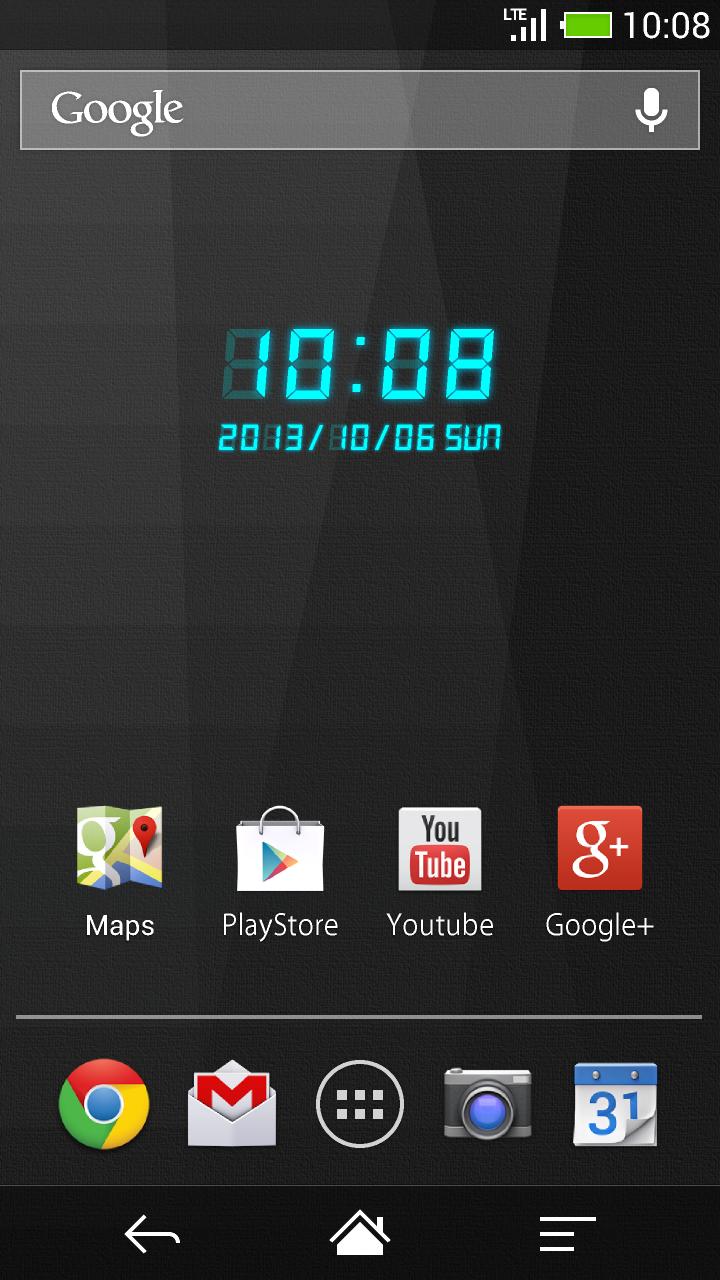
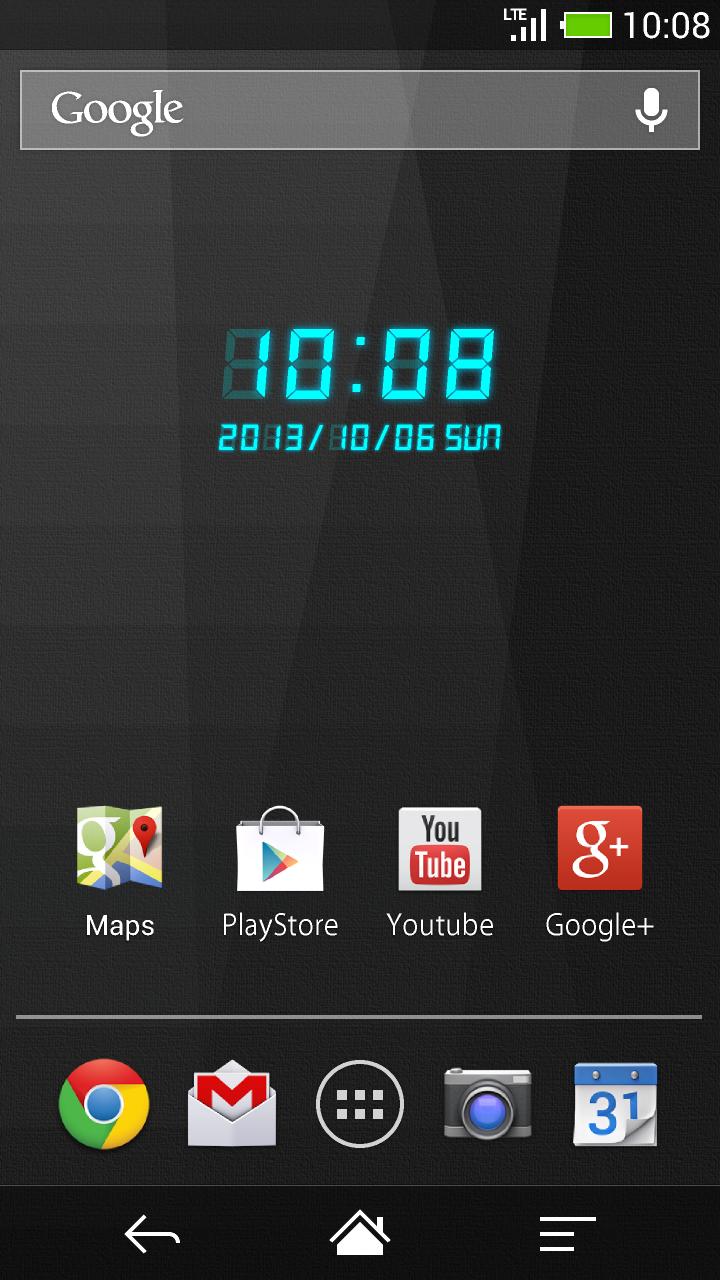
This 7Segment LED design digital clock widget is really cool.
Free and no ads.
How to use:
1)Download "Me Clock-analog,digital widget" before using this skin .
https://play.google.com/store/apps/details?id=jp.androidmedia.meclockwidget
2) Hold down your finger on the home screen.
3) Add "Me Clock Widget" from your widget list.
4) Pick this skin from the list.
5)The widget will appear in your homescreen.
What's "Me Clock Widget":
- Design skins many themes.(Analog clock, Digital clock, Simple, Cool, and Elegant)
- 24-hour format supported.(Digital clock)
- Date format supported.(Digital clock)
- Support scaling widget(Android4.0+)
- Lock screen widget(Android4.2+)
- Launch Application by tapping the clock widget.(Alarm, Calendar,any other)
- Free and no ads.
Thank you.