Layers Theme
NOTE: Update and support is discontinued!
This theme will work on all ROMs with the latest Layers support and Layers Manager installed.
Theme works on Android 5.x
WHAT'S THEMED:
- AOSP keyboard (dark and light)
- Calculator
- Cell-broadcast
- Contacts
- Dialer
- DeskClock
- Framework-res
- Gmail
- Google messenger
- Google Contacts
- Google Dialer
- Google Keyboard (dark and light)
- Google Now
- Hangouts
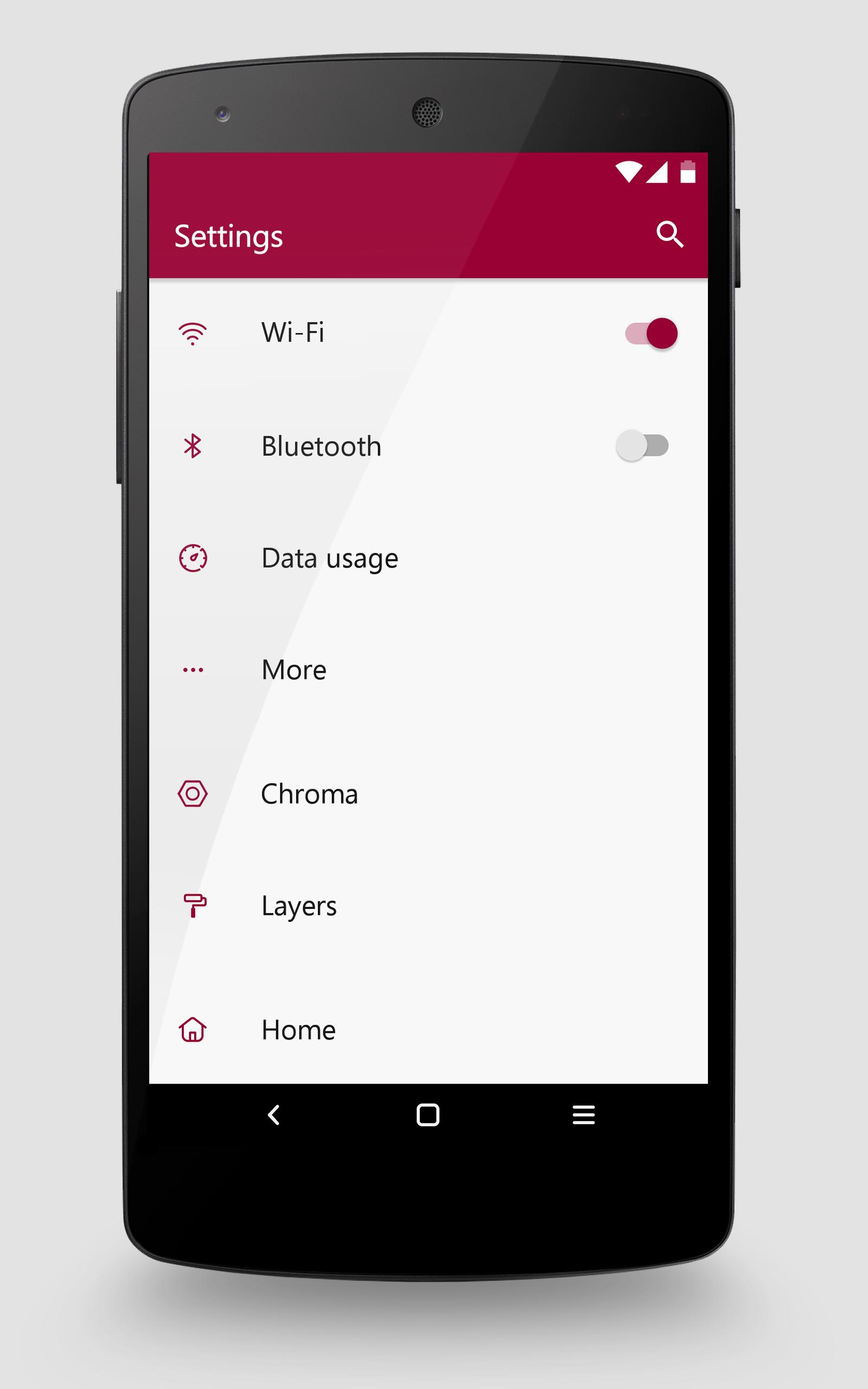
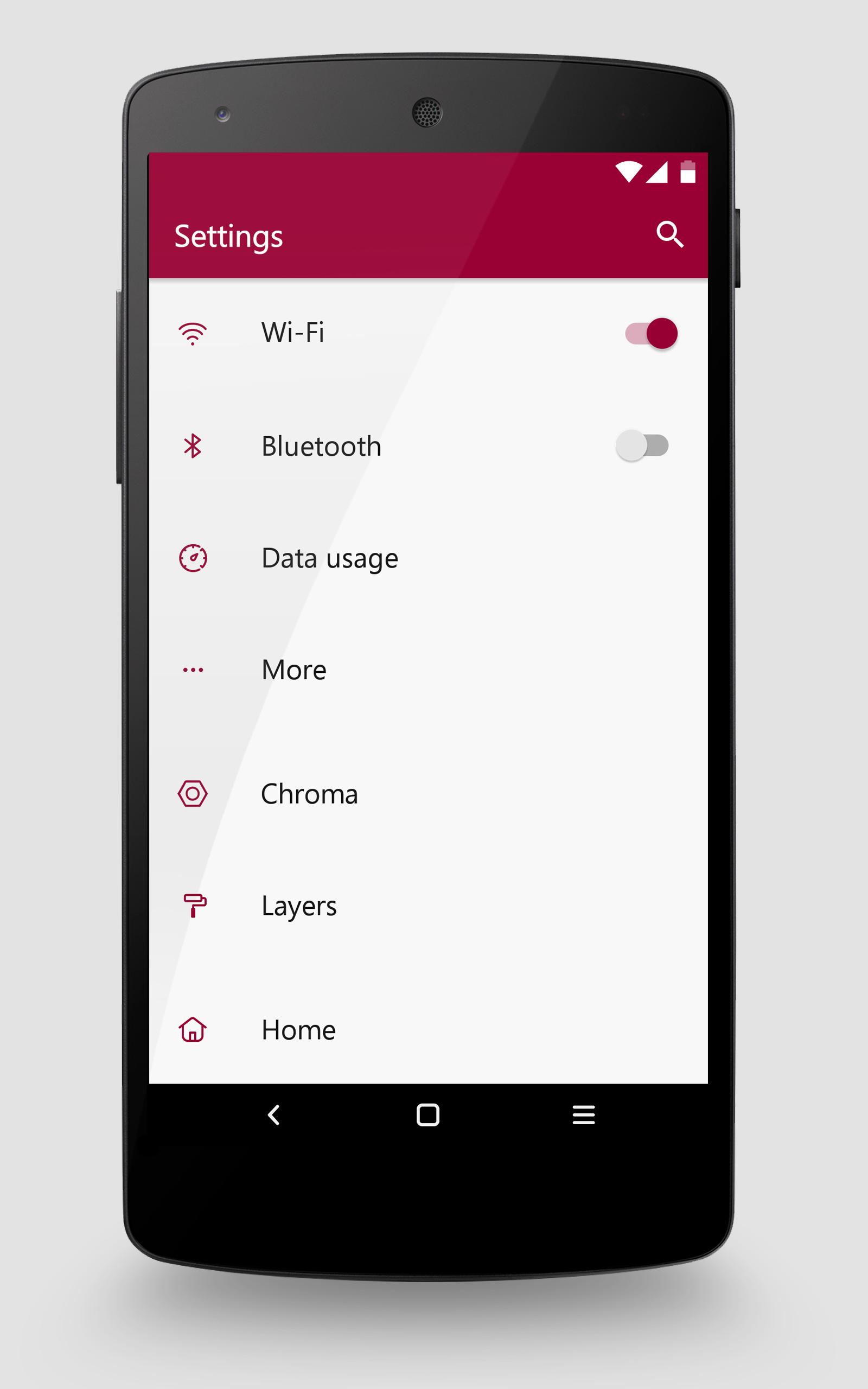
- Settings
- SuperSU
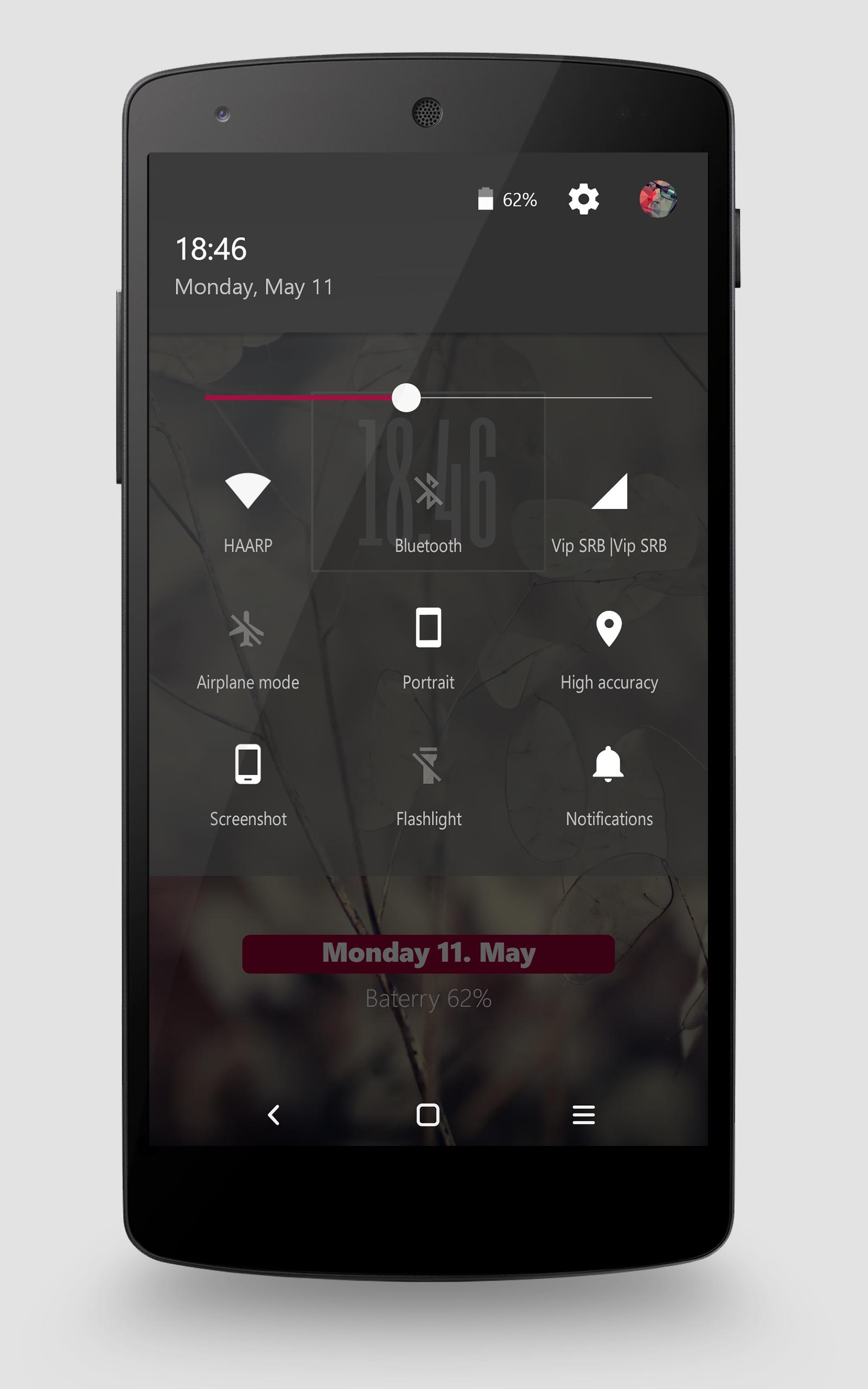
- SystemUI
- Telecom
- Teleservice
- WhatsApp
including my soft keys.
INSTALLATION:
0. Create folder Overlays on your SD Card
1. Open app
2. Click Install - application will copy a zip file into your SD Card / Internal memory
3. Open Layers Manager
4. Move to /sdcard/Overlays/
5. Select zip file - No6.zip
6. Install all the layers you want
7. Reboot your device
8. Enjoy!