Pro Backup (Contacts & Images)

Pro Backup (Contacts & Images)

Practical Tools 1.0.4
Backup your contacts and images has never been so easy and practical.✓ Backup to SD-Card. ✓ Backup your contacts and photos; ✓Send as an attachm
1.0.4

Screenshots

Description

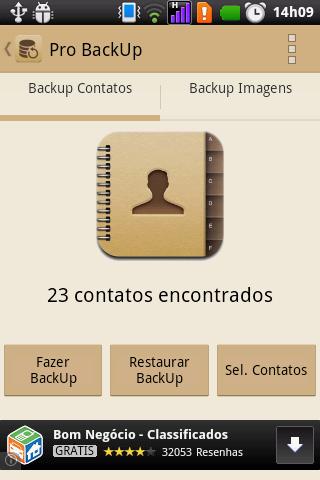
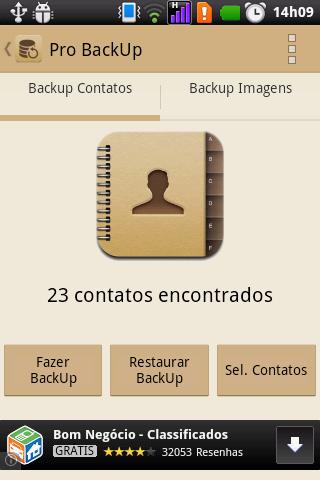
Backup your contacts and images has never been so easy and practical.

✓ Backup to SD-Card.

✓ Backup your contacts and photos;

✓Send as an attachment to email.

How to Restore Backup of Contacts

① Put Contato.xml file: SD-Card/ProBackup/;

② Access the application and select the Restore option on the Backup tab contacts;

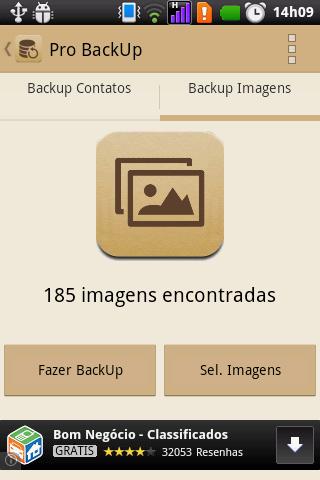
Making Backup images

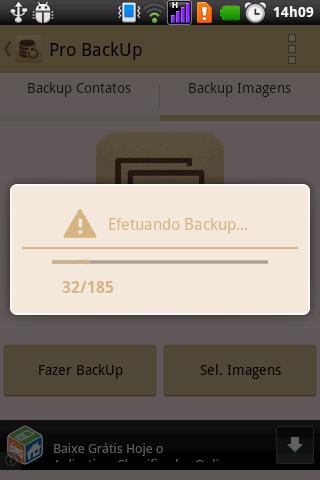
① In the images tab, select the Make Backup option;

② The archive will be generated at: SD-Card/ProBackup /

✎ Note:

This application do not restore contacts! yet

Expand

Other Information

  • Release Time

    2025/10/13

  • Size

    2.4MB

  • Category

    Practical Tools
  • Package Name

    br.com.jeronimo.backup