Enjoy millions of the latest Android apps, games, music, movies, TV, books, magazines & more. Anytime, anywhere, across your devices.
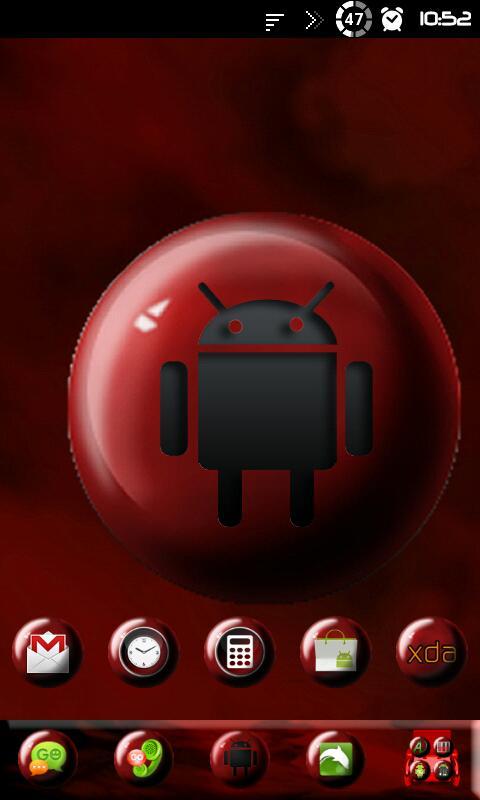
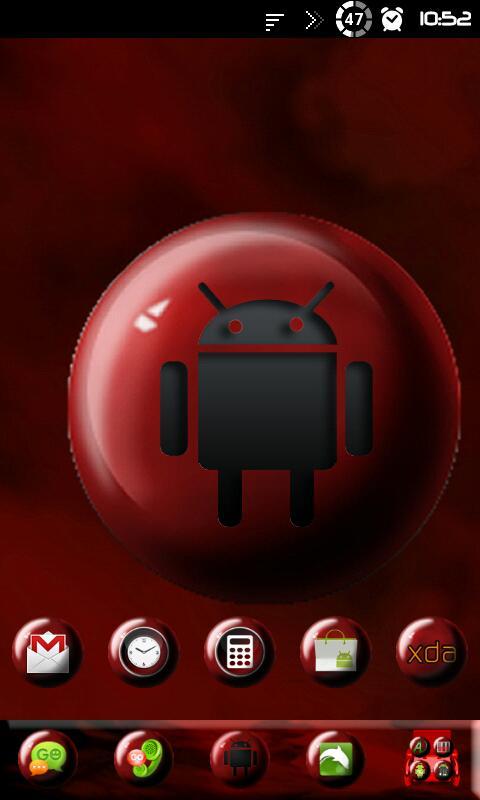
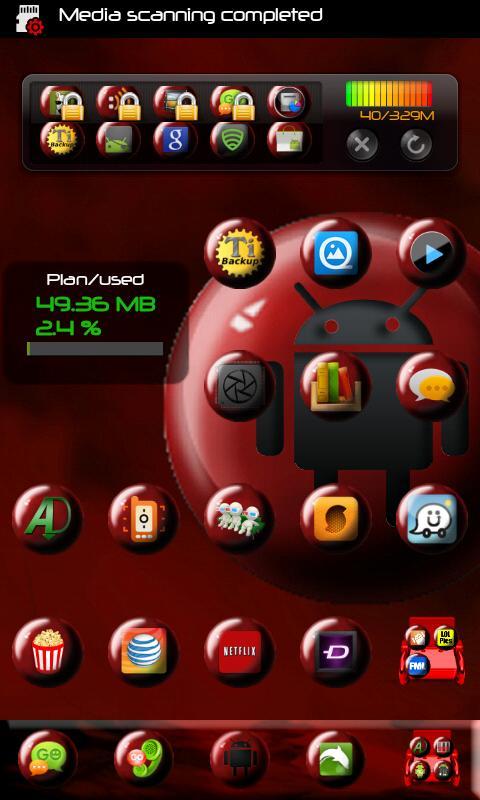
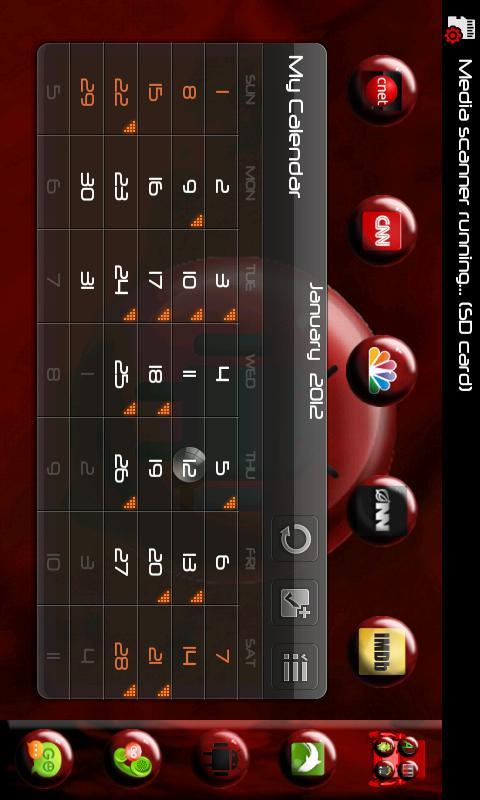
This is a Red Marbled theme for Go Launcher EX.
***This app only works with GO Launcher EX. (Will work as an Icon Pack for Apex Launcher.)
***Install GO Launcher free from the market first.
***How to Apply the Theme:
1.Please Do Not open directly after it's installed.
2.Back to GO Launcher EX: MENU > theme preferences.
3.Choose and apply the theme.
***Change icons:
Some devices may not change the icons automatically.
1.Tab and hold an app in desk screens.(Not available in app list.)
2.Replace > Choose the theme's icons.
***Change Docks:
1.MENU > Preferences > Dock settings > Dock bacground > Other theme background in GOLauncher
***Change Menu:
1.Menu > Preferences > Visual Settings > Icons > Menu Icon > Choose the theme's icons.
What's New in the Latest Version 1.1
Last updated on Jan 10, 2016 Added four new wallpapers.