Control your minecraft server from your phone! Everywhere! Any time!
Remine is the ultimate app to control your minecraft server from your phone or tablet. It features a rich list of admin-, chat-, and plugin-management options, so you can always stay in touch with your server.
IMPORTANT: This app requires the "Remine Bukkit Plugin" installed on your minecraft server. You can download if for free. Link is given below.
Remine requires a bukkit minecraft server that is connected to the internet. You also need to forward a port (see "installation" below).
Key features:
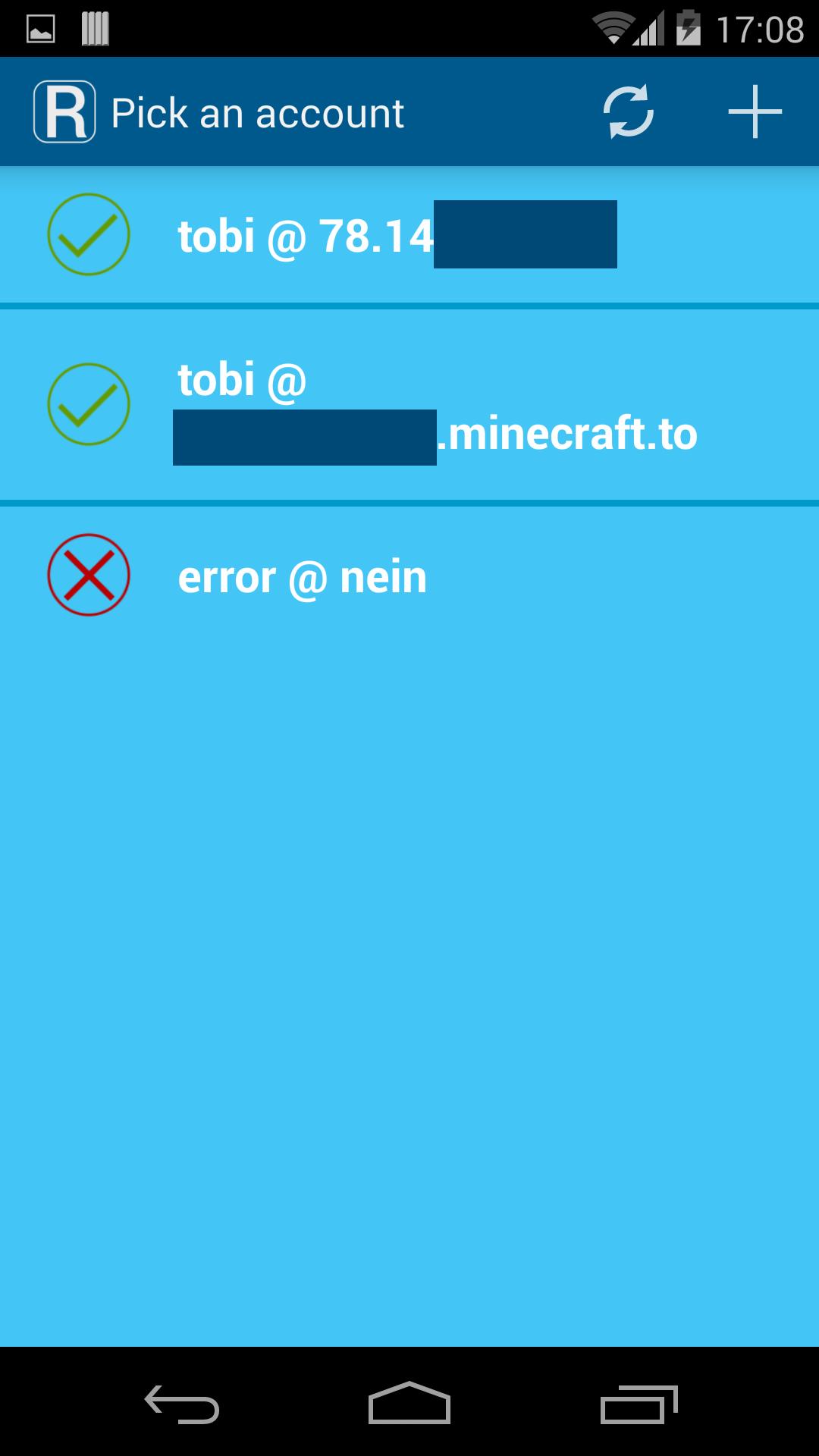
- Multiple accounts for one server
- Use multiple accounts for multiple servers in the app, and easily switch between them
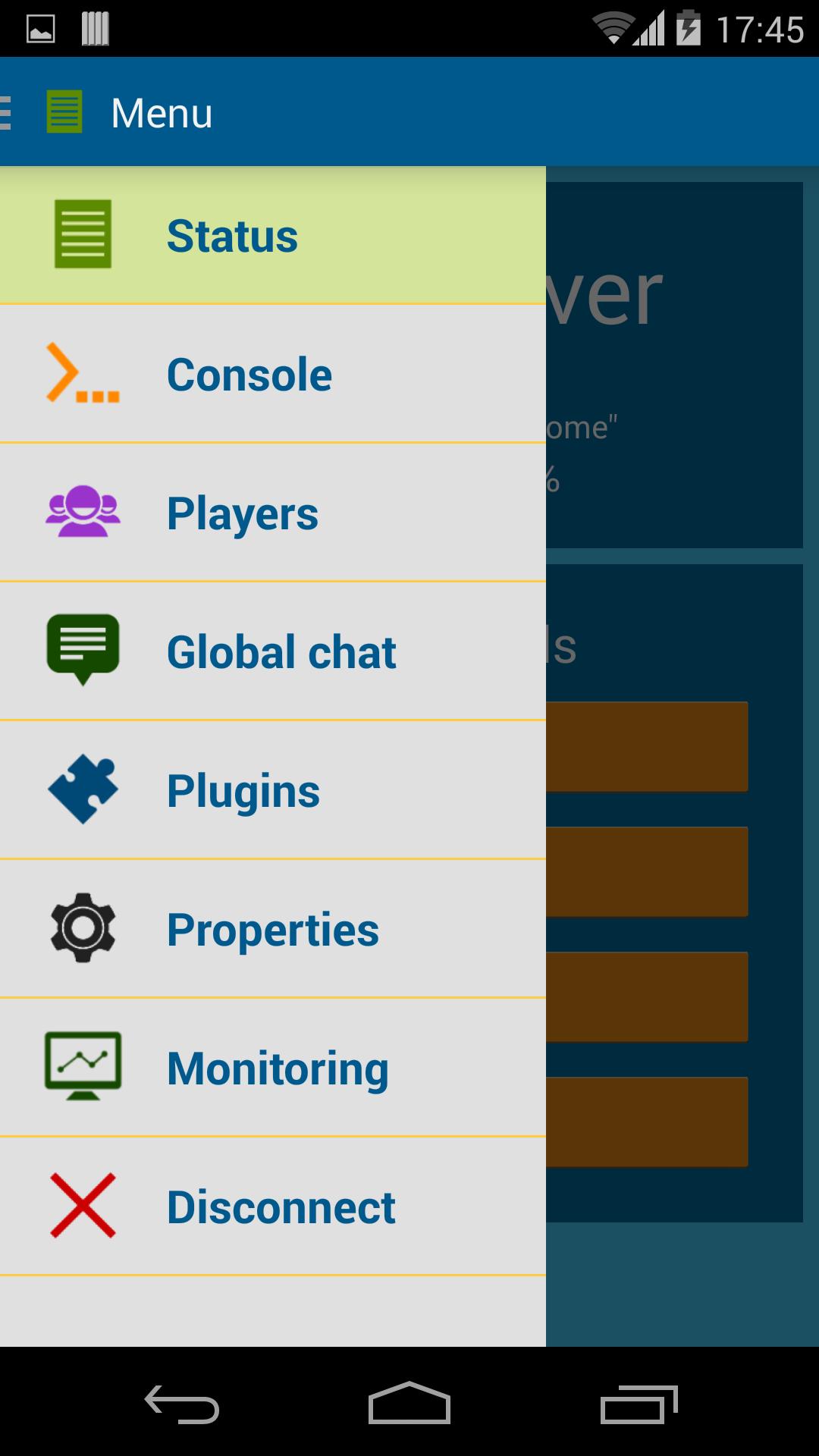
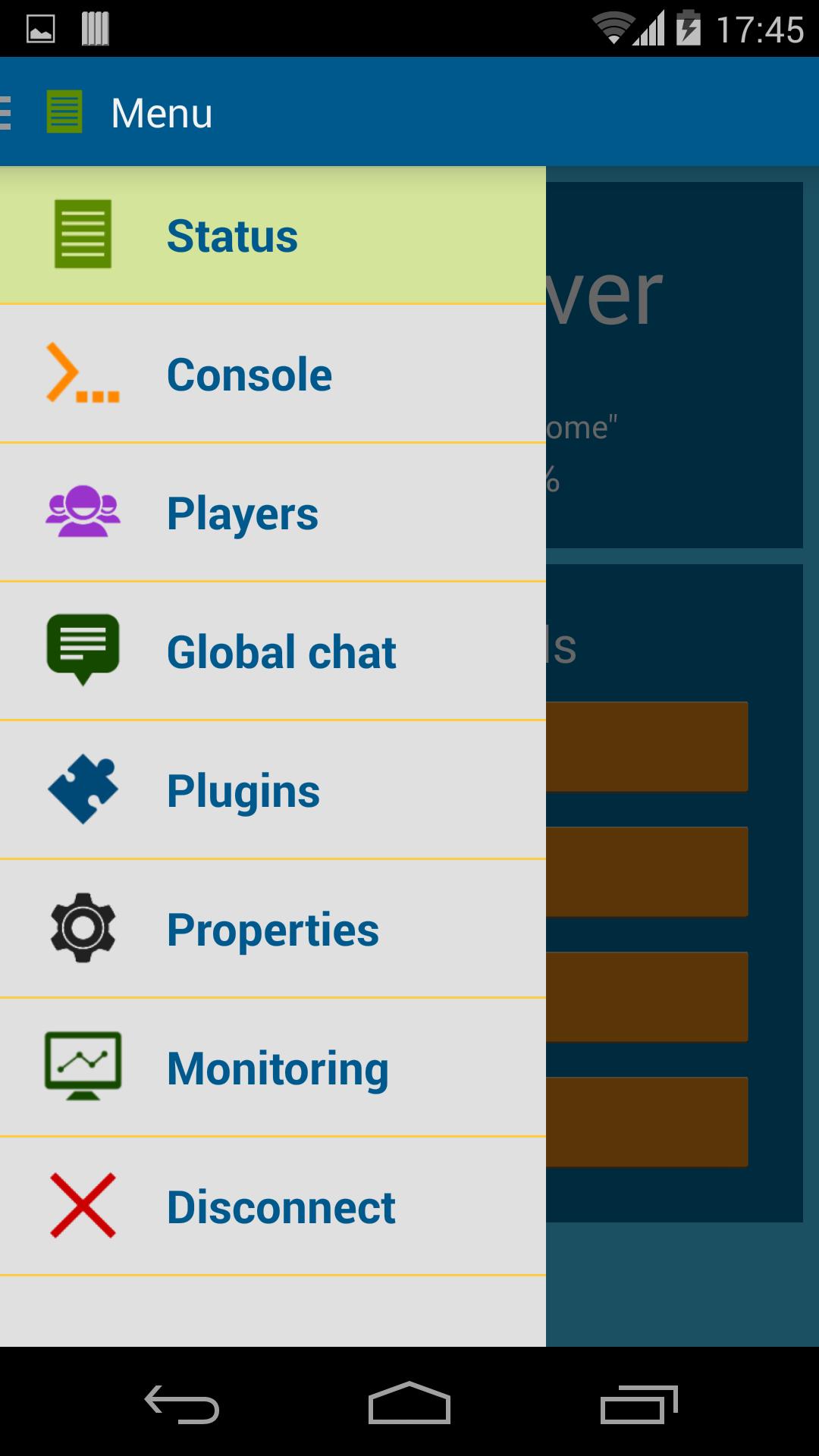
- Server overview (name, motd, connected players, ram usage)
- Server control panel (reload, stop)
- Remote server console (live stream of console, send commands)
- Live player overview with skin-previews
- Playermanager, easily ban or kick players
- Live global server chat, chat with your players as you were on the server
- Live private player chat, chat with a single player like you would do with WhatsApp or any other messenger
- Plugin manager (overview of plugins, remove plugins, install new plugins)
- List of online servers from all your accounts
- Server properties editor
- Monitoring system with push notifications
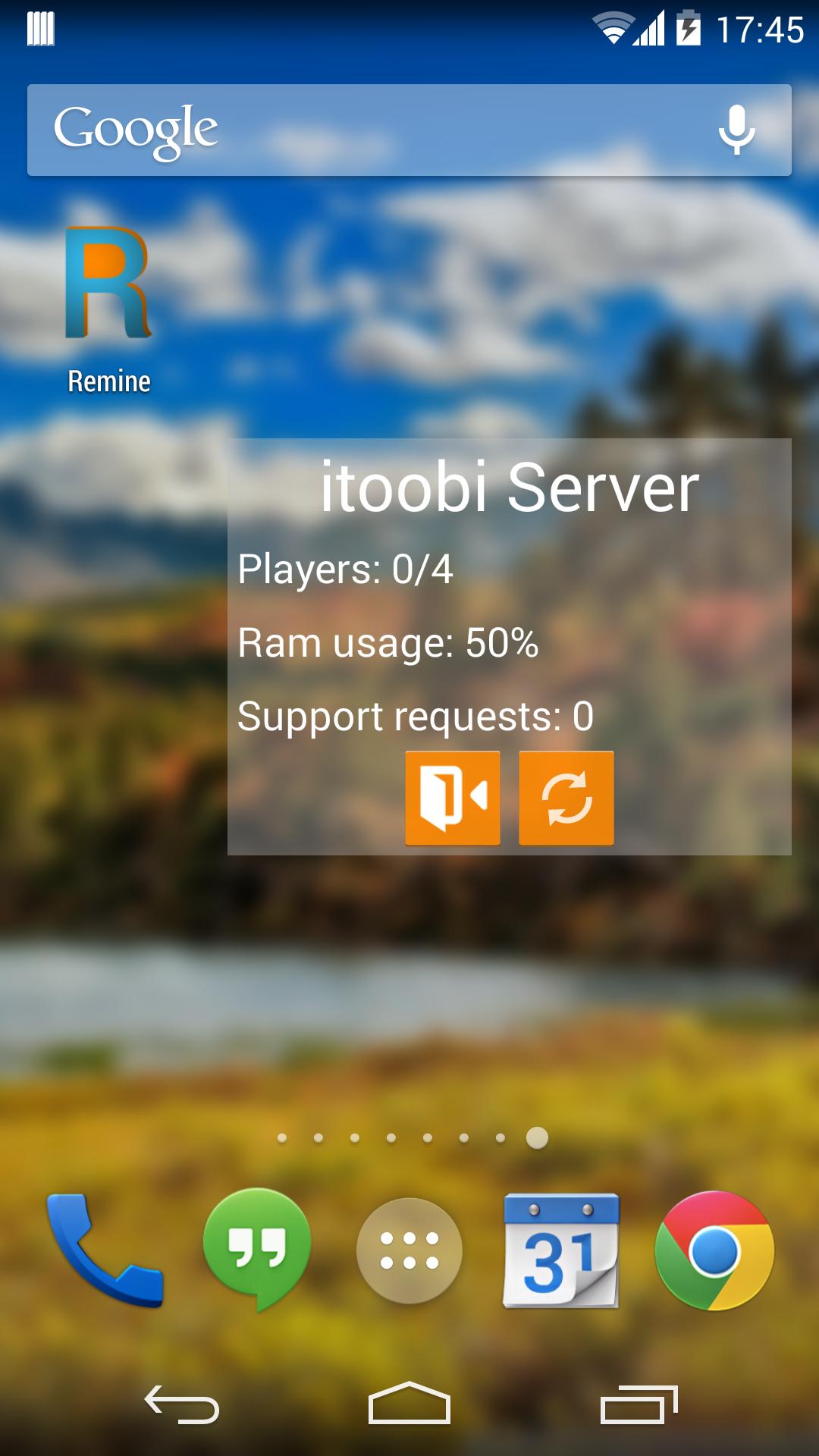
- Live server status widget
Installation:
- Download the plugin: http://remine.itoobi.de/
- Put the plugin on your server and reload it
- Forward the desired port (default: 2692 UDP). You can adjust it in the plugin config
- Log in with your minecraft client on your server, and create a new Remine remote account
- After you created the account, you can add a new profile in the Remine app and connect to your server
IMPORTANT:
- If you can't connect to the server, make sure your server firewall allows the given port.
- You can also use the standart port 25565 in the remine config, which is most likely to be forwarded
For additional help and FAQ please visit http://remine.itoobi.de/help/
If you have troubles with the app and/or plugin not updating, please wait a few hours, due to the long time changes need to apply globally.
Additional information:
- Remine uses a custom UDP-based MD5-encrypted protocol
- No sensible data is sent in plain text
What's New in the Latest Version 1.0.3
Last updated on Dec 14, 2015 v1.0.3
- added new update system
- added monitoring features: notifications when server is offline or players need help
- added monitoring widget
v1.0.1
- added server properties editor
- added function to update remine plugin
- a few UI improvements
v1.0.0
- first public release