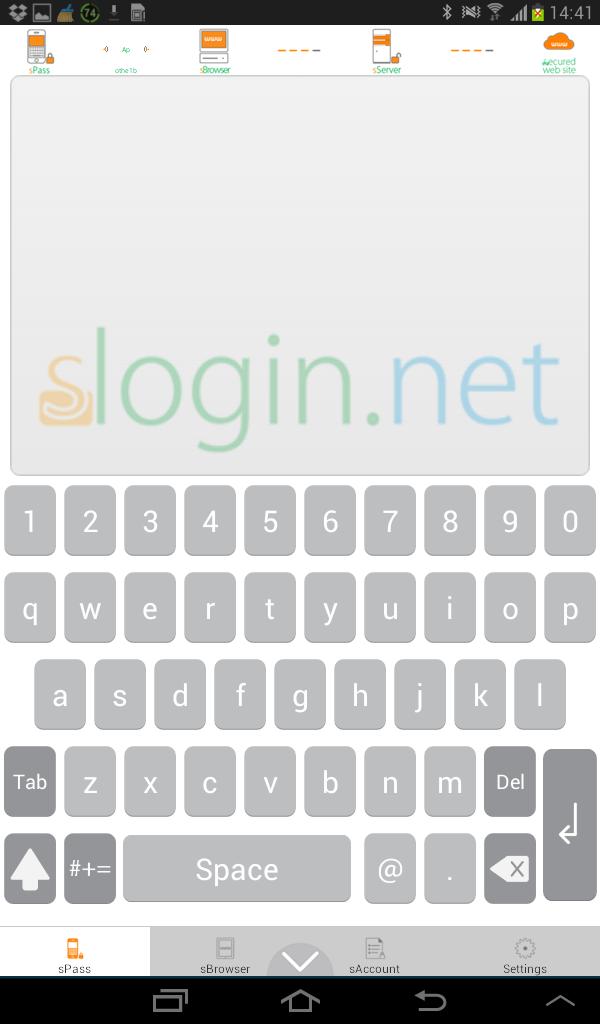
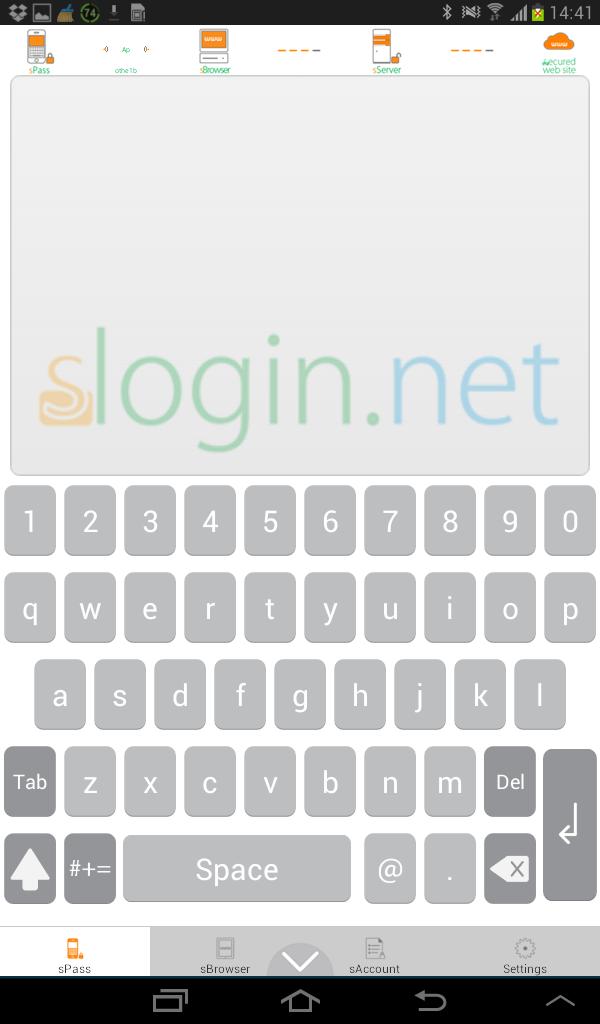
sPass app emulates hardware security keyboard by WiFi
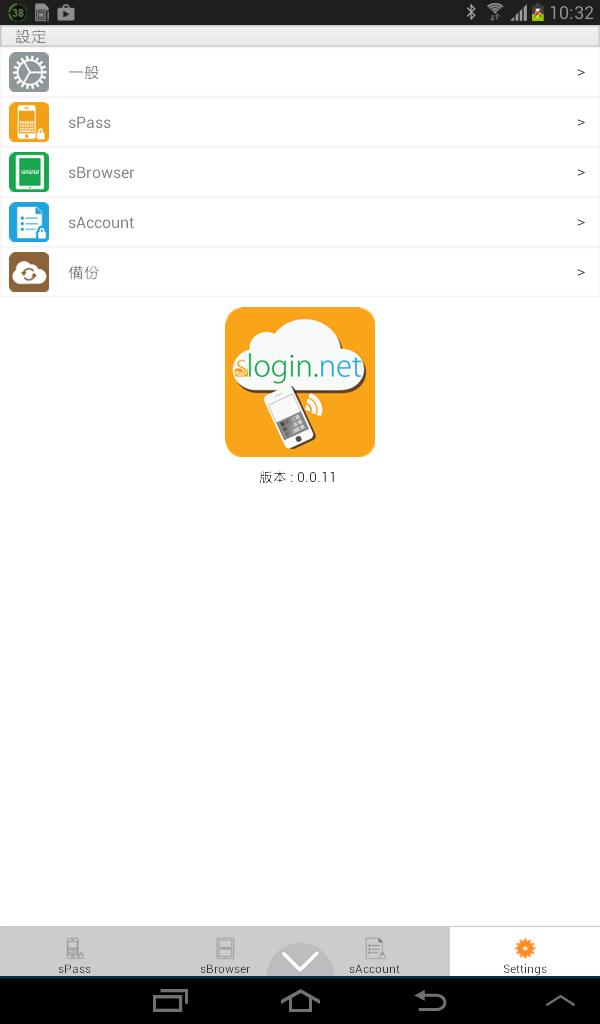
sPass app includes 3 functions: 1. PC secure ID/password input(sPass); 2.account manager(sAccount); 3.secure login browser(mobile sBrowser).
sPass app emulates hardware security keyboard by WiFi connection between sPass and PC sBrowser for against keylogger, sniffer, phishing, Man-In-The-Middle attacks from hackers. The typing data(sPass) and account data (sAccount) are encrypted in sPass app and decrypted in sServer(decrypts user input data), so that the ID/password is safe all over the path. Even the server during the path is suffered from OpenSSL bug, the login is still works secure.The mobile sBrowser in sPass app is a secure login browser by protecting ID/password between sAccount and sServer. By sAccount function, the user can secure login a web site in 1 touch.
2014 By oTHE Technology.
sBrowser : http://goo.gl/2RCgSy