TAB Hard Keyboard

TAB Hard Keyboard

Practical Tools 1.2.1
TAB Hard Keyboard - use your keyboard fully!TAB Hard Keyboard allows you to use your USB-, Bluetooth- or dock-station keyboard fully!Hold ALT to
1.2.1

Screenshots

Description

TAB Hard Keyboard - use your keyboard fully!

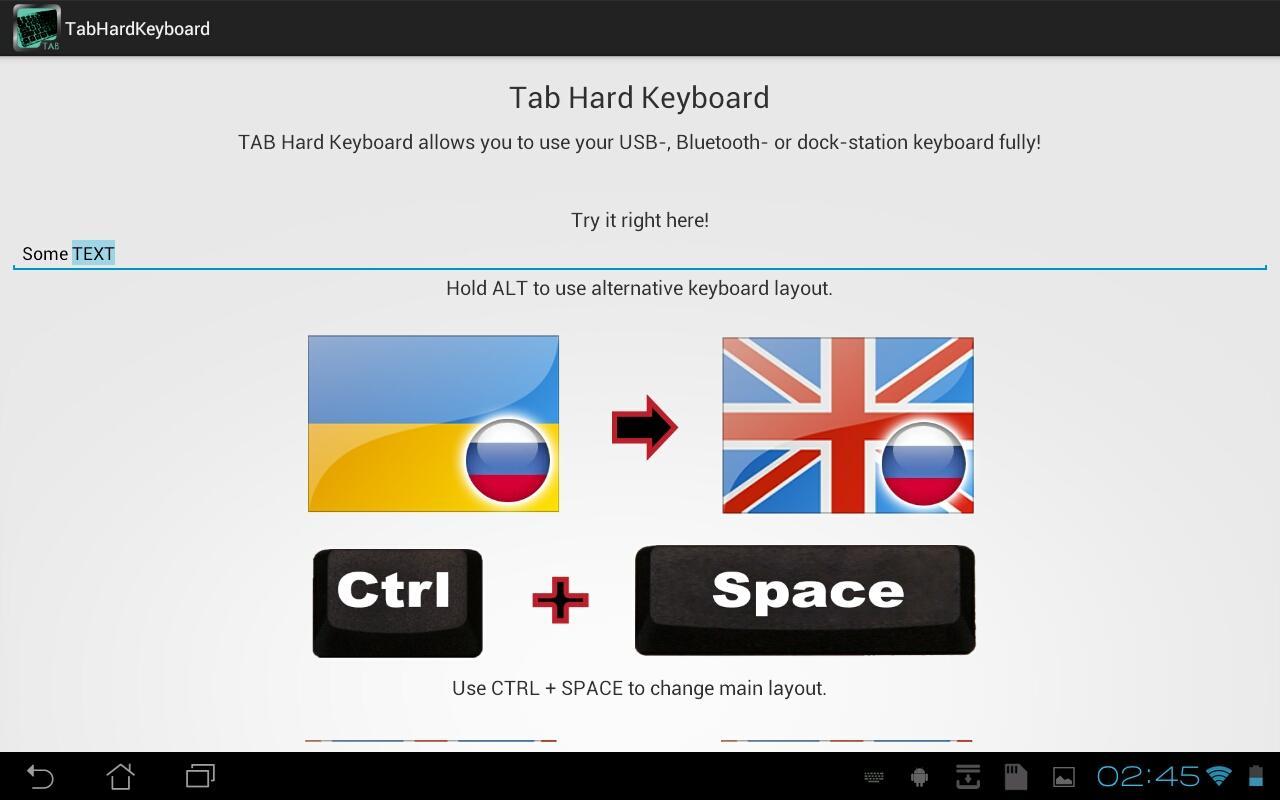
TAB Hard Keyboard allows you to use your USB-, Bluetooth- or dock-station keyboard fully!

Hold ALT to use alternative keyboard layout.

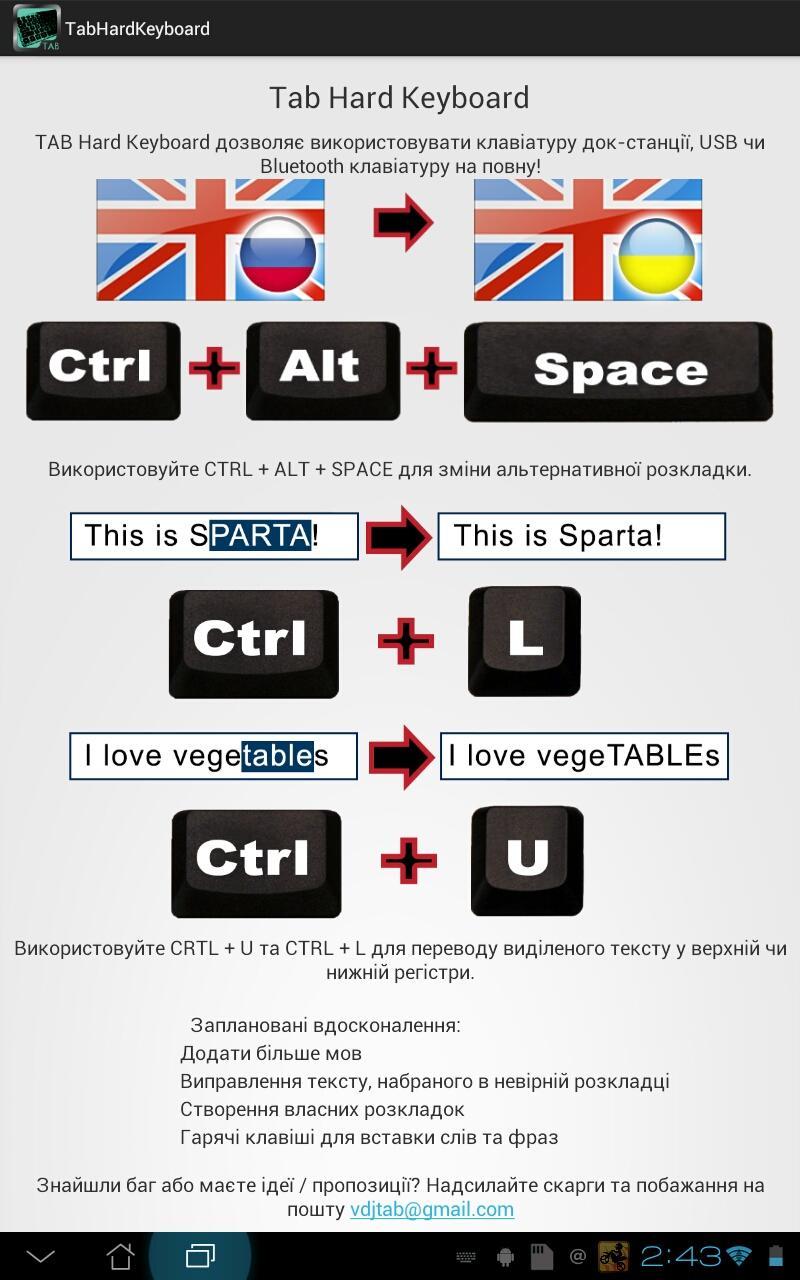
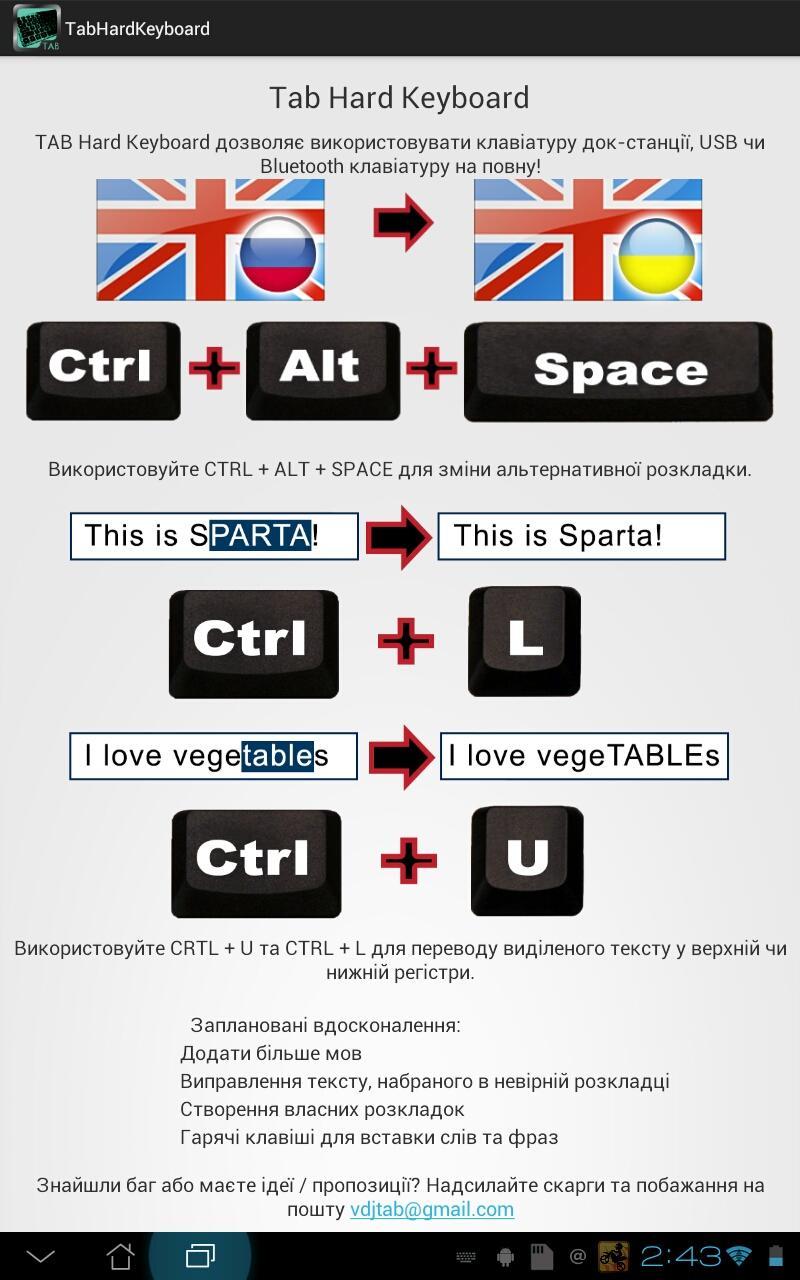
Use CRTL + U and CTRL + L to convert selected text to up or low case.

Use CTRL + SPACE to change main layout.

Use CTRL + ALT + SPACE to change alternative layout.

Planned features:

- Add more languages

- Correcting text, printed using wrong layout

- Creation of own layouts

- "Hot keys" for pasting words and phrases

Expand

Other Information

  • Release Time

    2025/10/27

  • Size

    1.05MB

  • Category

    Practical Tools
  • Package Name

    tab.keyboard