Seamlessly control your Android phone or tablet with Windows keyboard and mouse!
Note: For some reason TC doesn't work well with some Samsung phones/tablets.
Seamlessly control your Android phone or tablet with Windows keyboard and mouse! FREE VERSION
Instructions:
* Go to droidcontrol.com and download and run TakeControlLite.exe on your Windows PC;
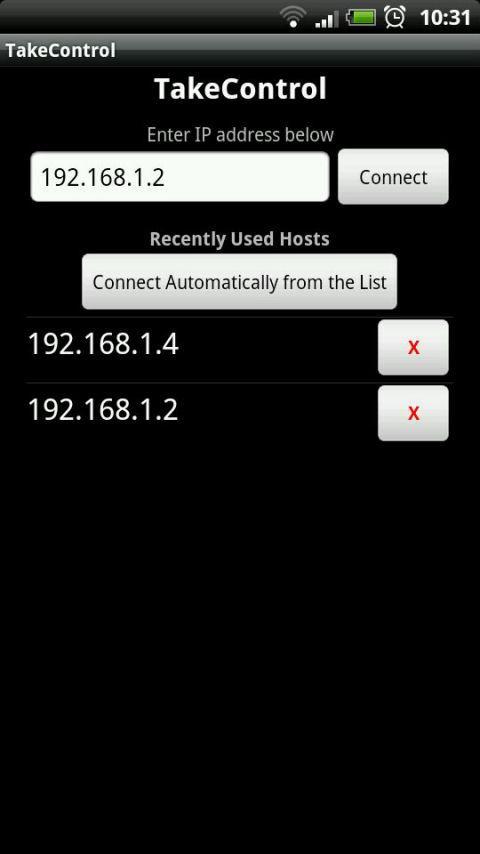
* Enter IP address and press Connect;
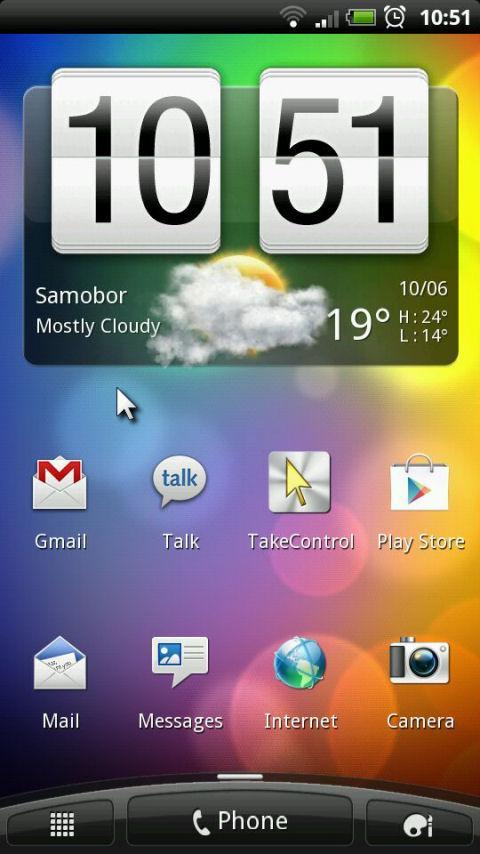
* Simply move your mouse cursor to the edge of the screen to make it "jump" on your phone.
* Enjoy comfortable typing!
Limitations compared to full version:
* no clipboard sharing
* no support for foreign keyboards (only US)
* no auto-connect feature
* no encryption
* no cursor settings
* no auto keyboard release on timeout
Note: This application requires ROOT access to your phone to install driver for the virtual device.
What's New in the Latest Version 1.3
Last updated on Sep 8, 2015 Version 1.3 released:
* Finally fixed "random crashing" bug - hurray!!!
* Implemented "Calibrate" button to fool all those (unofficial) ROMs that just won't click where you point
* I think that is it for now.