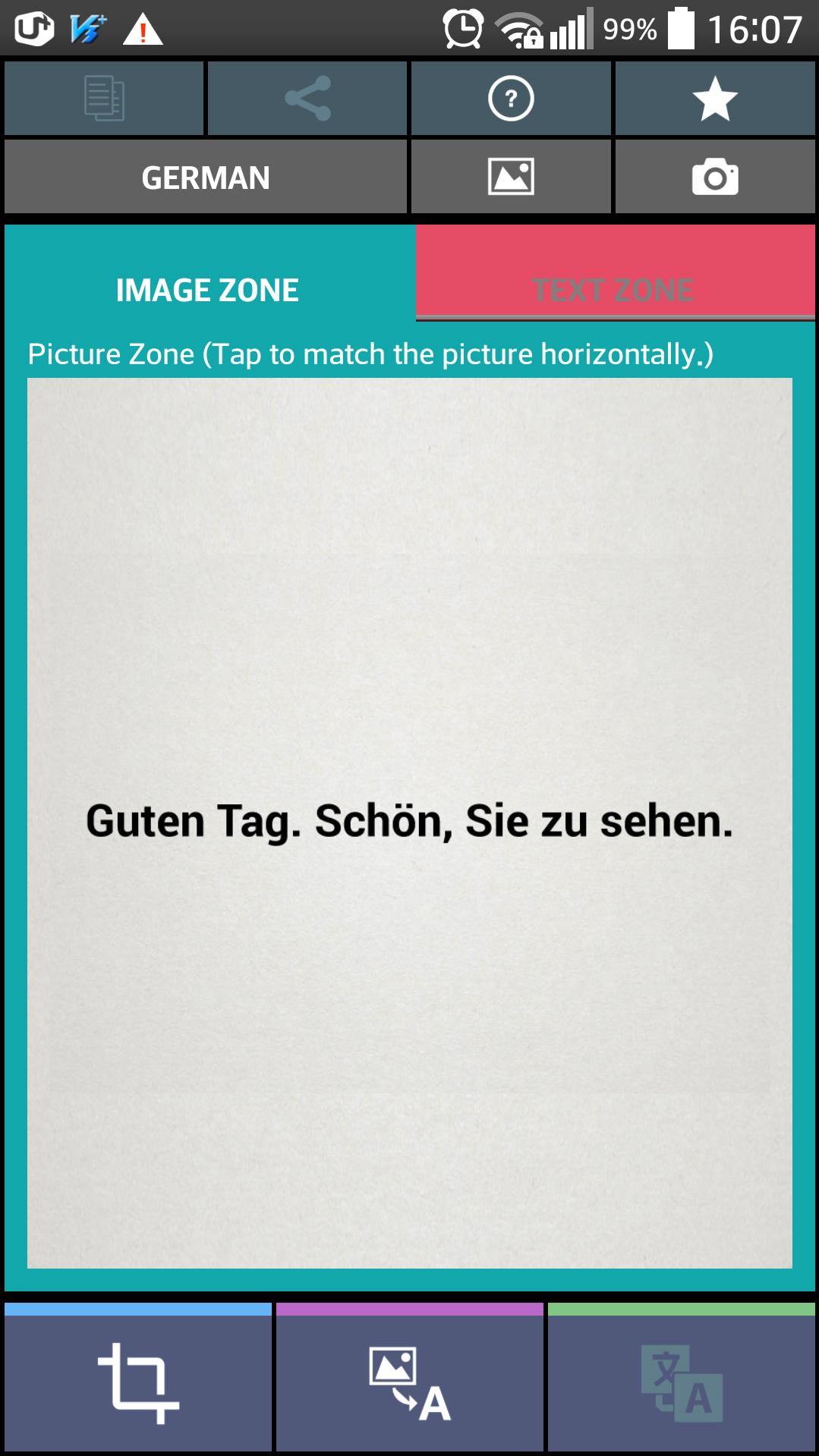
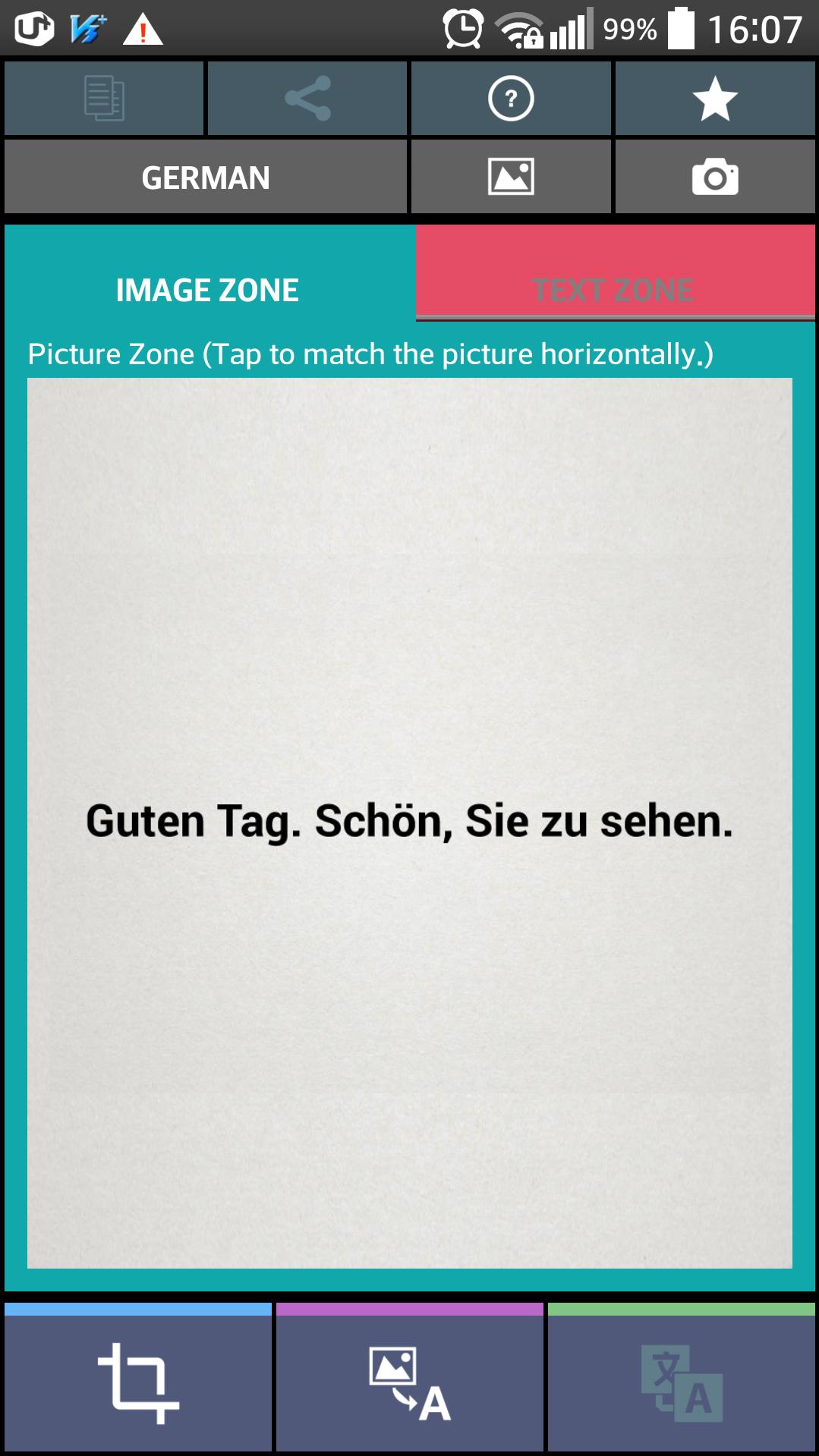
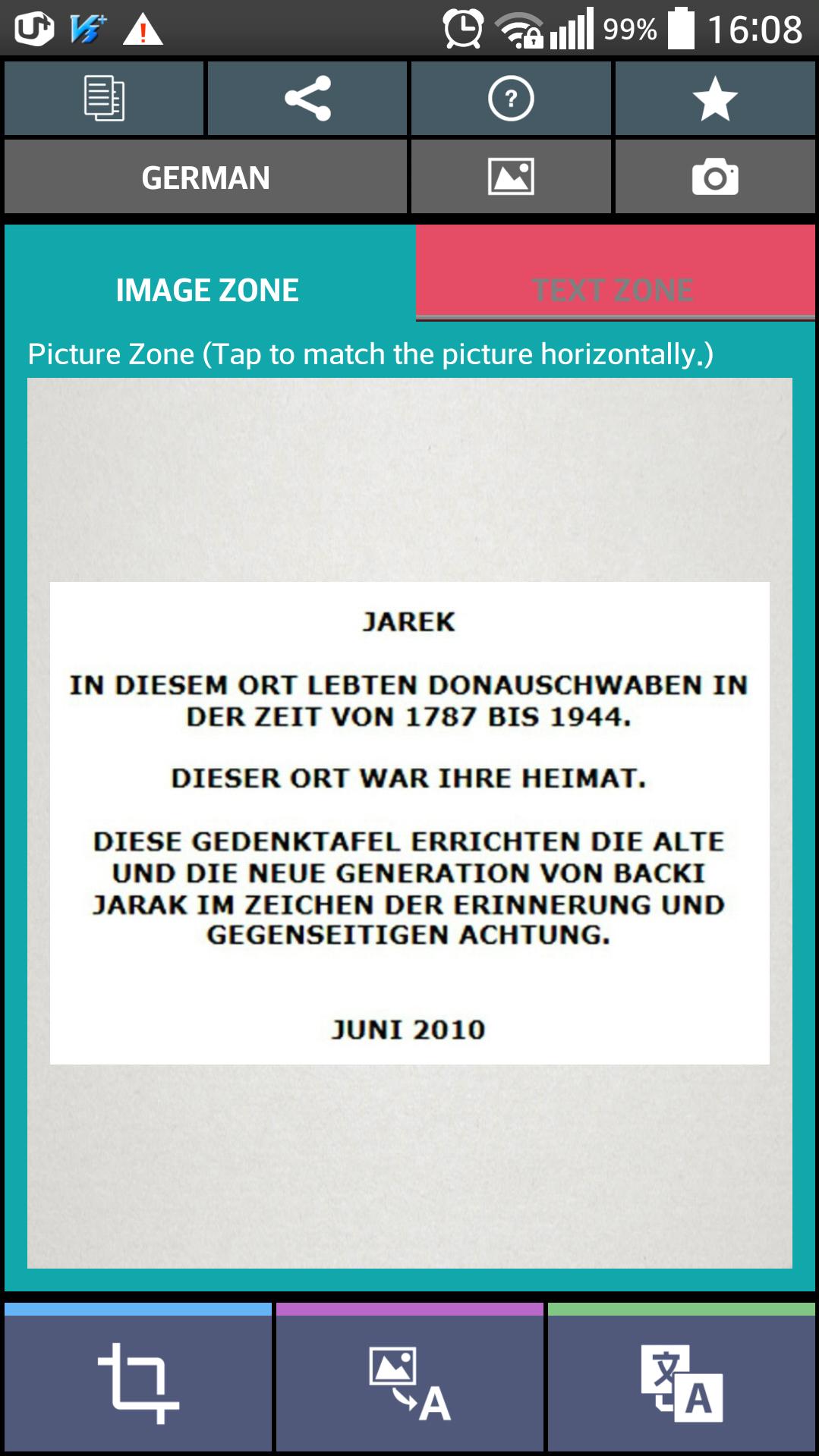
OCR can be used to convert from German image to German text by OCR function.
The Text Scanner German (OCR) application can be used to convert from German image to German text by OCR function.
※ OCR : Optical Character Recognition
The advantage of using this application is below.
-. Translation of German documents
-. Report of business or work
-. Homework of students
-. Conversion (Image to Text)
-. Copy to text from German documents (Send to Email, SMS)
How to use
1. Load a gallery image or Take a picture by camera.
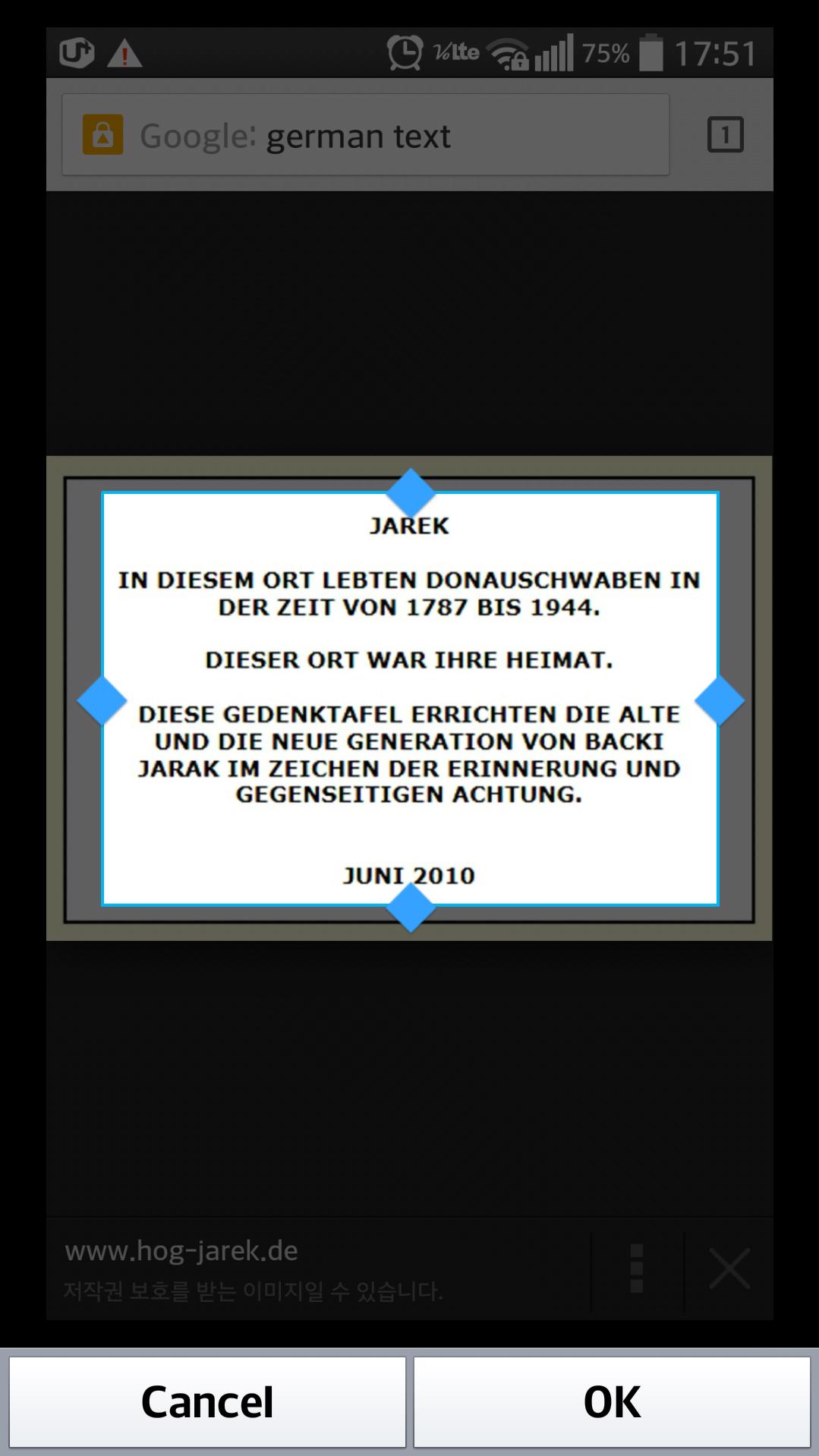
2. Select image's German text area by crop picture function.
3. Tap to match the picture horizontally.
4. Tap a read icon.
5. Check the text result.
6. The text result can be used to translation, copy & paste function & share to another application.
※ If your device has no translation application, we recommend Google translation setup.
- Apache License 2.0.
Apache License: http://www.apache.org/licenses/LICENSE-2.0.html
What's New in the Latest Version 5.0
Last updated on Sep 8, 2016 optimization UI